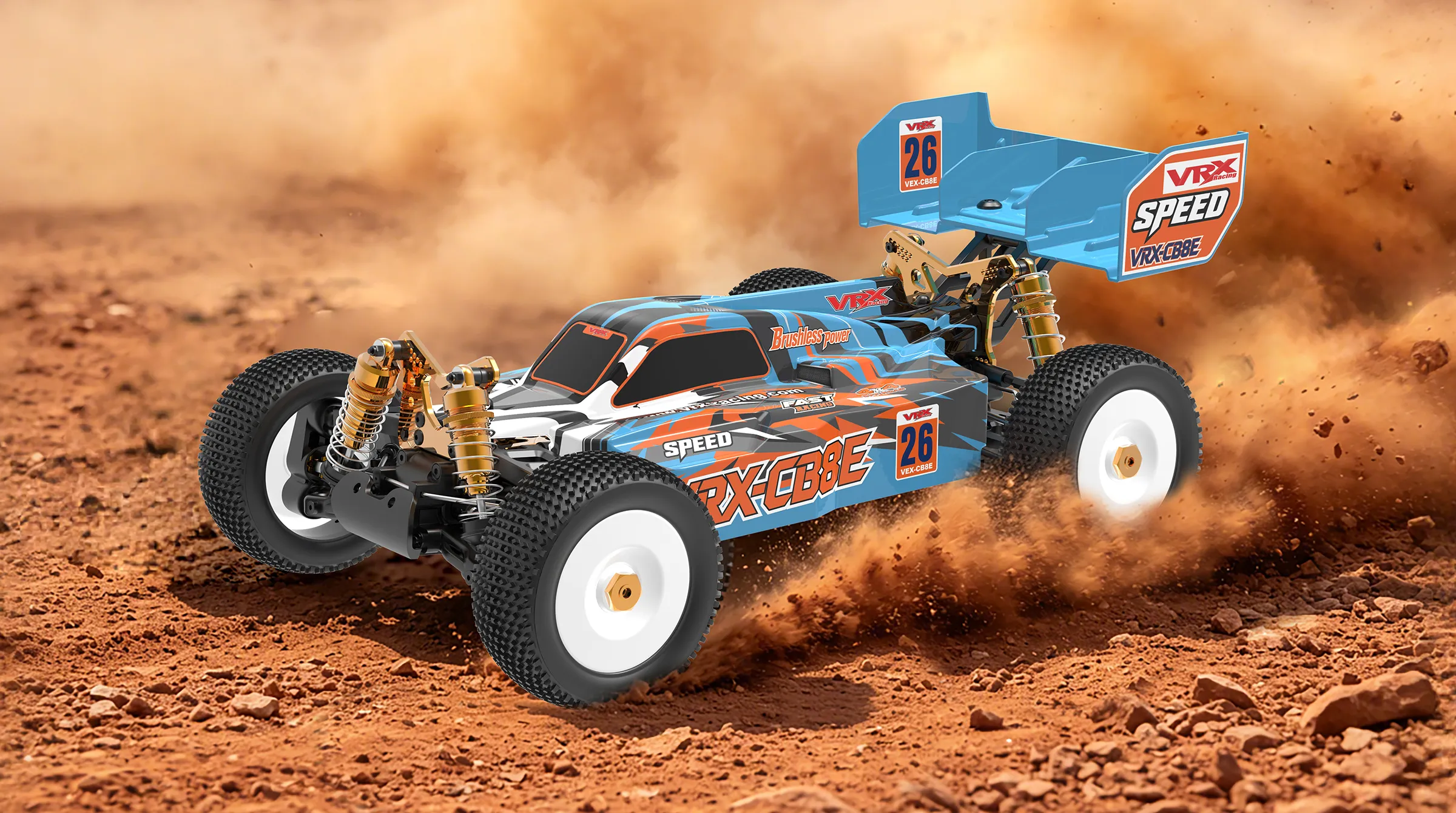
At VRX Racing, we know that a high-performance nitro RC car is only as good as its control system. One of the most common challenges for newcomers is achieving perfectly centered, symmetrical, and responsive steering.
If you've ever wondered why your car pulls to one side despite adjusting the trim, or why your turning radius is inconsistent, this guide is for you. In this edition of RC Knowledge, we will walk you through the professional way to install and calibrate your steering servo.
Before we dive into the "how-to," let’s identify the problems many drivers face:
The "Bottomed-Out" Trim: Your radio trim is turned all the way to the limit, yet the car still drifts left or right.
Asymmetrical Steering: The car turns sharply to the left but has a wide, sluggish radius to the right.
Limited Throw: The wheels barely turn, even when you move the steering wheel to the max.
The Cause: These issues are rarely "broken" parts. They are almost always the result of improper servo installation, incorrect linkage lengths, or poorly configured transmitter settings.
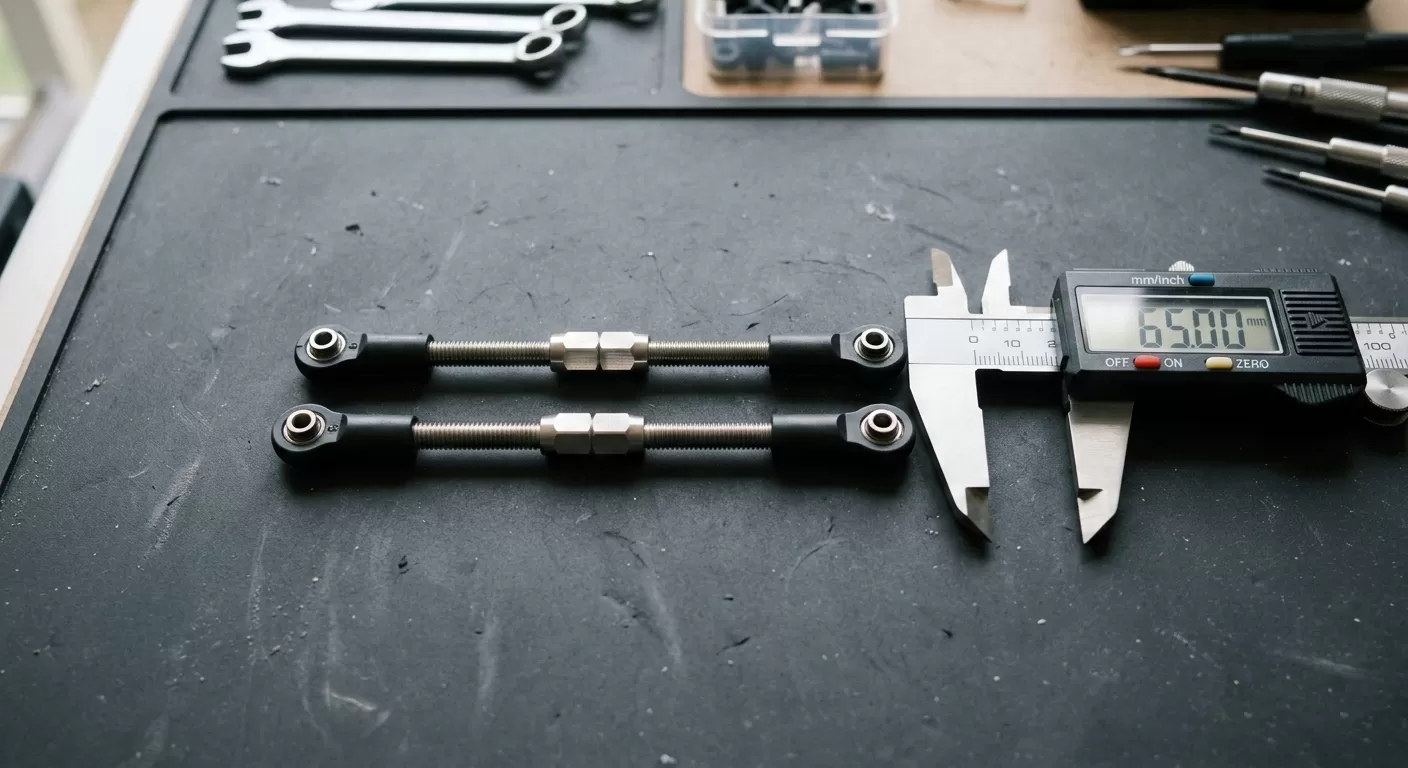
Before touching the electronics, ensure your mechanical foundation is solid.
Equalize the Steering Links: Refer to your VRX chassis manual. Ensure the two turnbuckles connecting to the steering knuckles are exactly the same length.
Pro Tip: Use a digital caliper for precision. If the linkages are uneven, your steering geometry will never be symmetrical, no matter how much you adjust the radio.
Next, adjust the link connecting the steering assembly to the servo. Follow the 1:1 scale diagram in your manual. If you don't have a caliper, simply lay the linkage over the manual's illustration to match the length.
Switch on your transmitter and adjust these three critical settings:
Steering Trim (TRIM/SUB-TRIM): Set these to 0.
End Point Adjustment (EPA/Travel): Set both Left and Right to 100%.
Dual Rate (D/R): Set this to 100%.
The RC Math You Should Know: Your actual steering output is calculated as: EPA × D/R = Final Output. Example: If your EPA is 90% and your D/R is 80%, your actual throw is only 72%.
Mount the servo into the chassis, but do not attach the servo horn or servo saver yet. 1. Connect the servo to the receiver (usually CH1/ST). 2. Power on the transmitter, then the receiver. 3. The servo will jump to its internal "Absolute Center." Leave the power ON during the next step.
With the electronics powered and centered:
Install the Servo Horn/Saver onto the splined output shaft.
The Golden Rule: Choose the spline position that gets your front wheels as close to the "Dead Center" as possible. It is rare to get it 100% perfect on the first try due to the teeth on the gear, so just get it as close as you can.
Adjustment: Now, adjust the length of the link between the servo and the steering assembly until the wheels are perfectly straight.
Now that the Nitro RC car drives straight with Trim at 0, it’s time to set the limits. Adjust the EPA (End Point Adjustment) for the left and right sides individually. Increase or decrease the percentage until the steering reaches its maximum physical limit without "straining" the servo (listen for a buzzing sound). Note: It is perfectly normal for the Left and Right EPA values to be slightly different (e.g., L92% and R95%). No chassis is perfectly 1:1, so don't obsess over making these numbers match.
Q: My EPA is at maximum, but my steering angle is still too small. What now? A: You need more leverage. Try using a longer servo horn or move the linkage to a hole further away from the center of the servo gear.
Q: The car doesn't return to the exact center after a turn. Is it broken? A: This is usually "Slop" or "Play" in the plastic parts and ball joints. While high-end aluminum upgrades from VRX Racing can minimize this, a small amount of play is normal in RC steering systems.
Q: My car suddenly pulls to one side after a minor bump, then fixes itself after another bump. A: Your Servo Saver is likely worn out or has too much friction. Check the spring tension and ensure the saver moves freely but snaps back firmly.
If you're looking for more precision, explore our range of High-Torque Metal Gear Servos and Aluminum Steering Upgrades at www.vrx-racing.com.